Quick Reference
| Action | How-To |
|---|---|
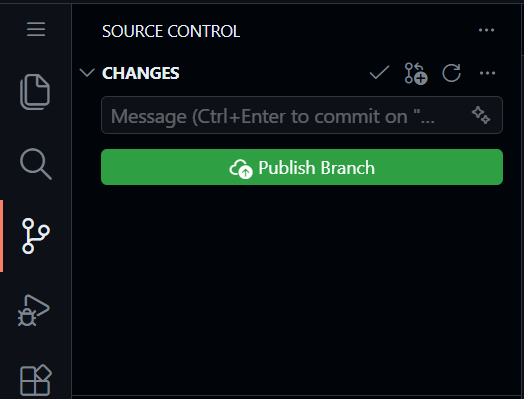
| Stage | Source Control (+) |
| Commit | Type msg + ✔ |
| View Diff | Click file in Source Control |
| Discard | Right-click file in Source Control → Discard Changes |
| Branch | Bottom-left status bar |
| Sync | Sync Changes button in Source Control (appears after you commit) |
Where is Sync Changes? After you commit, the Sync Changes button appears in the Source Control panel (it may be blue or green, or say Publish Branch). Clicking it uploads your commits to GitHub so they are visible in the online repository.