VS Code Orientation
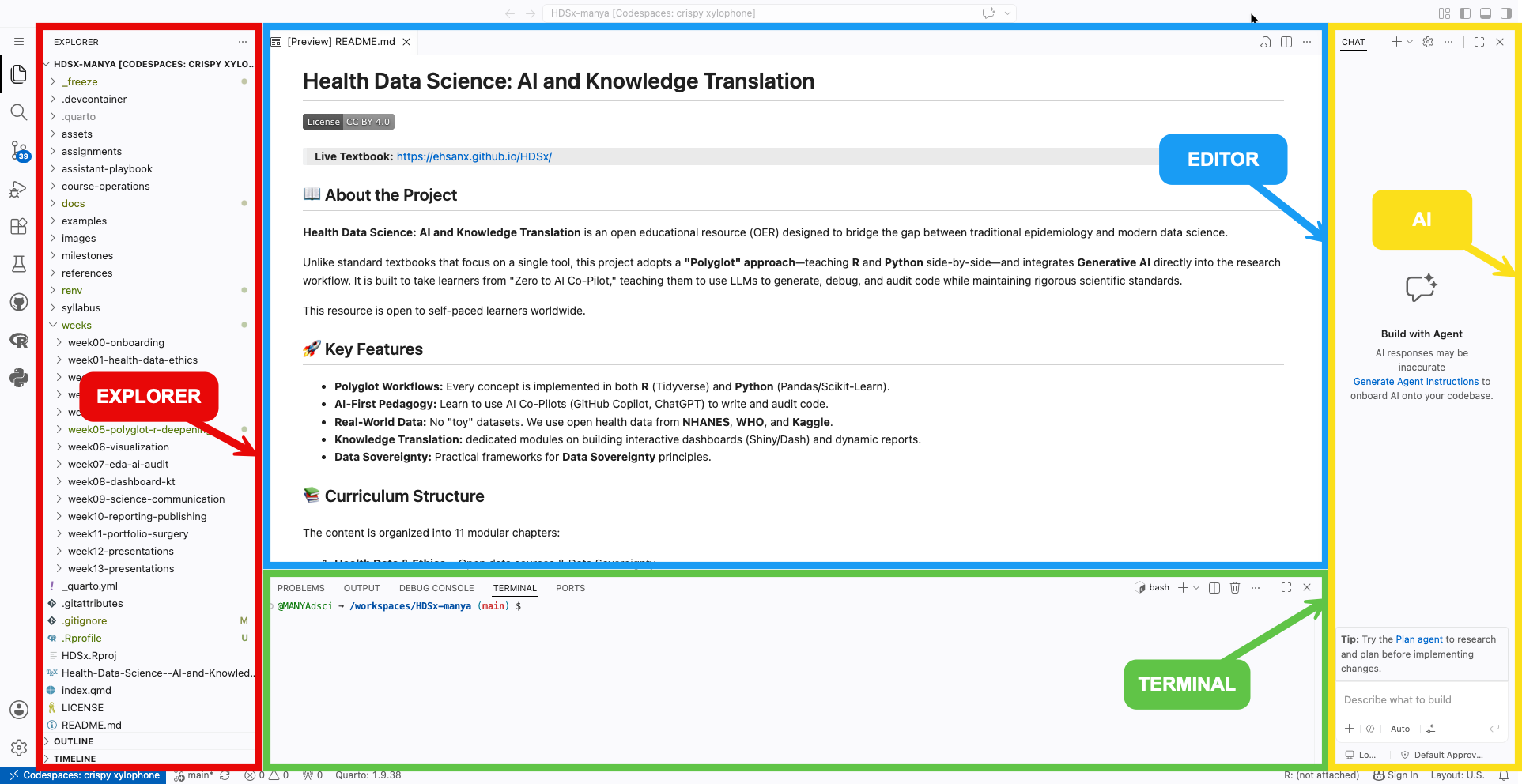
When you open a Codespace, you are using a version of VS Code in your browser. It has the same interface as the desktop version used by professional software engineers at Google and Microsoft.
You can complete the course using VS Code in your web browser through GitHub Codespaces. You do not need to install the desktop version of VS Code unless you choose to.
Don’t Panic: The interface looks complex because it has hundreds of features. You only need to know three areas. You can safely ignore 90% of the buttons you see.
Explorer (left)
The “File Cabinet”
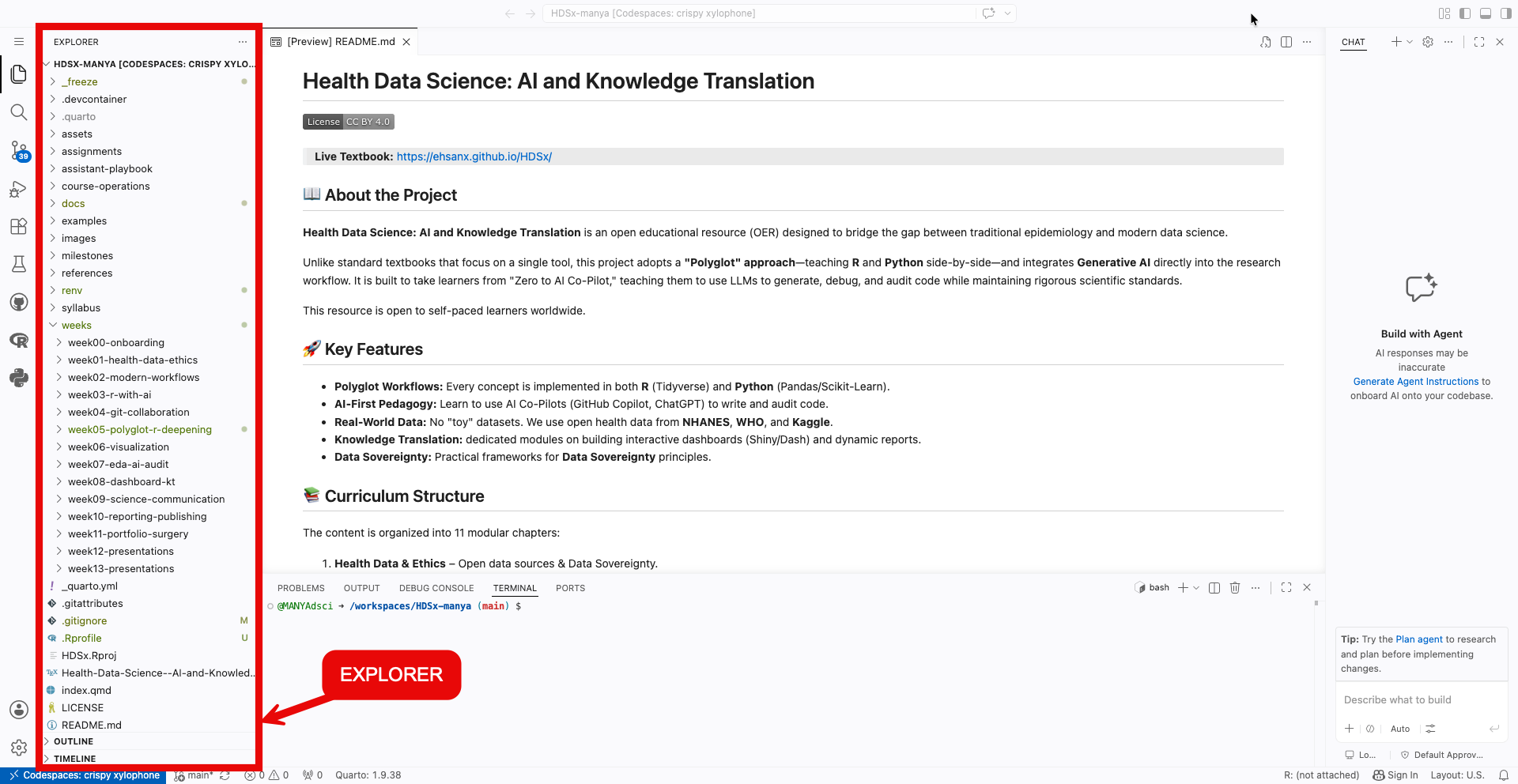
- This shows your folders (directories) and files.
- Think of this as your navigation pane. Double-click a file here to open it in the Editor.
Editor (center)
The “Notebook”
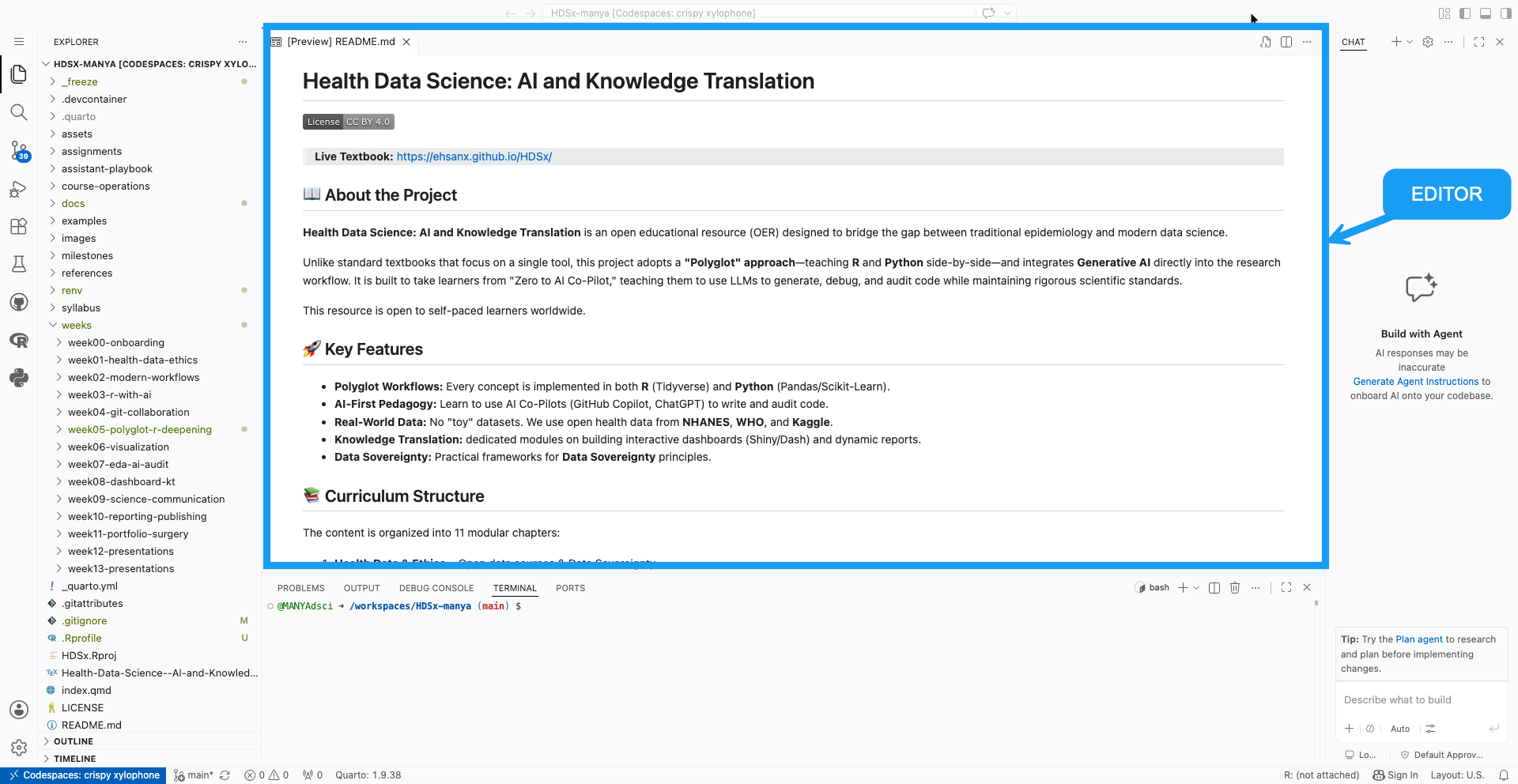
- This is where you do your actual work: typing code and writing text.
- In this course, you will mostly be editing
.qmd(Quarto) files here.
Terminal (bottom)
The “Engine Room”
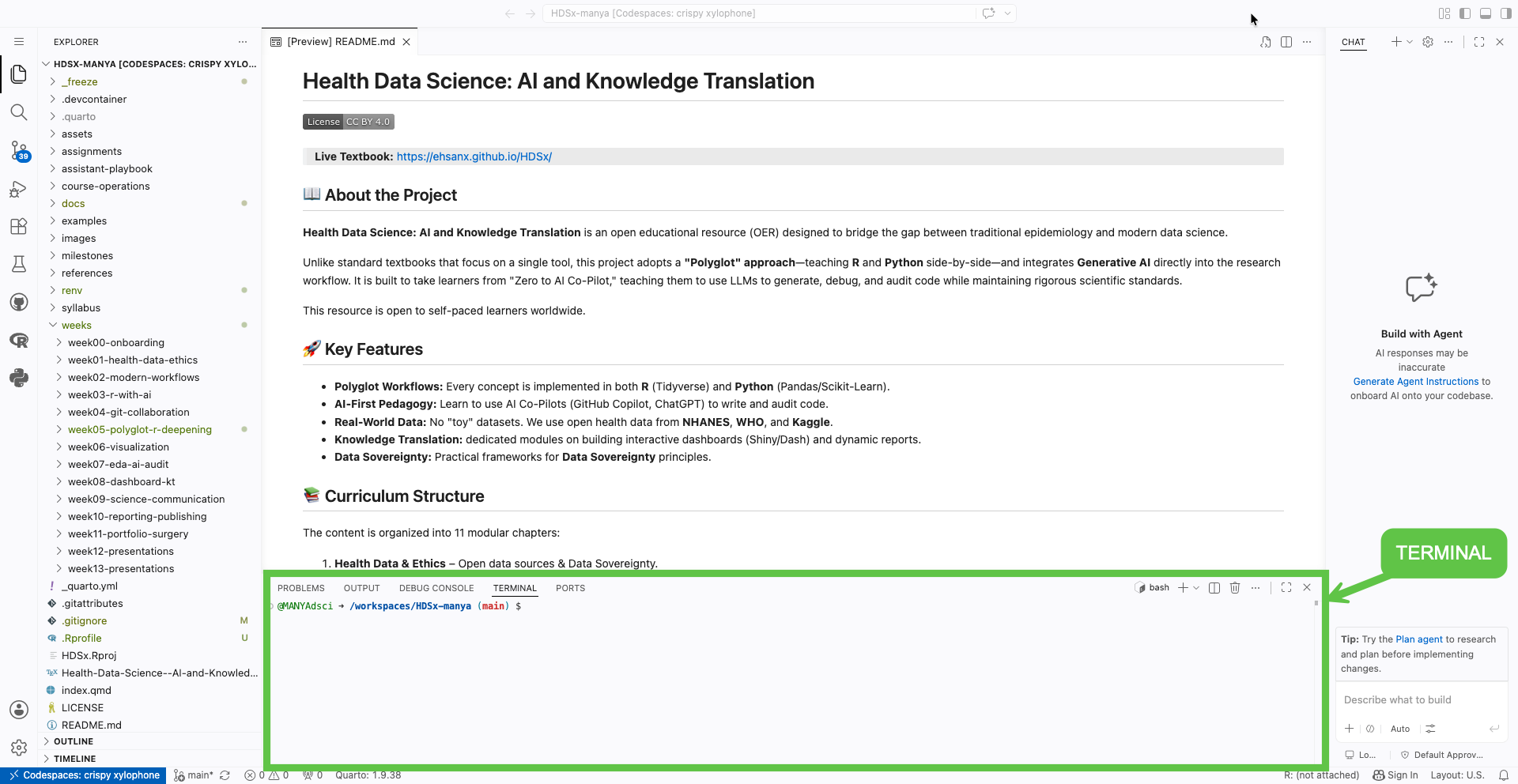
- This is where R and Python actually run.
- You will see text scrolling here when you “Render” a document. It looks like “The Matrix,” but it is usually just the computer telling you what it is working on.
If the terminal disappears (or you accidentally close it):
View → Terminal
Mini Task
Open and close a few files in the Explorer to get comfortable with the layout.