Tour of the Repository
Step-by-step
Open your forked course repository on GitHub
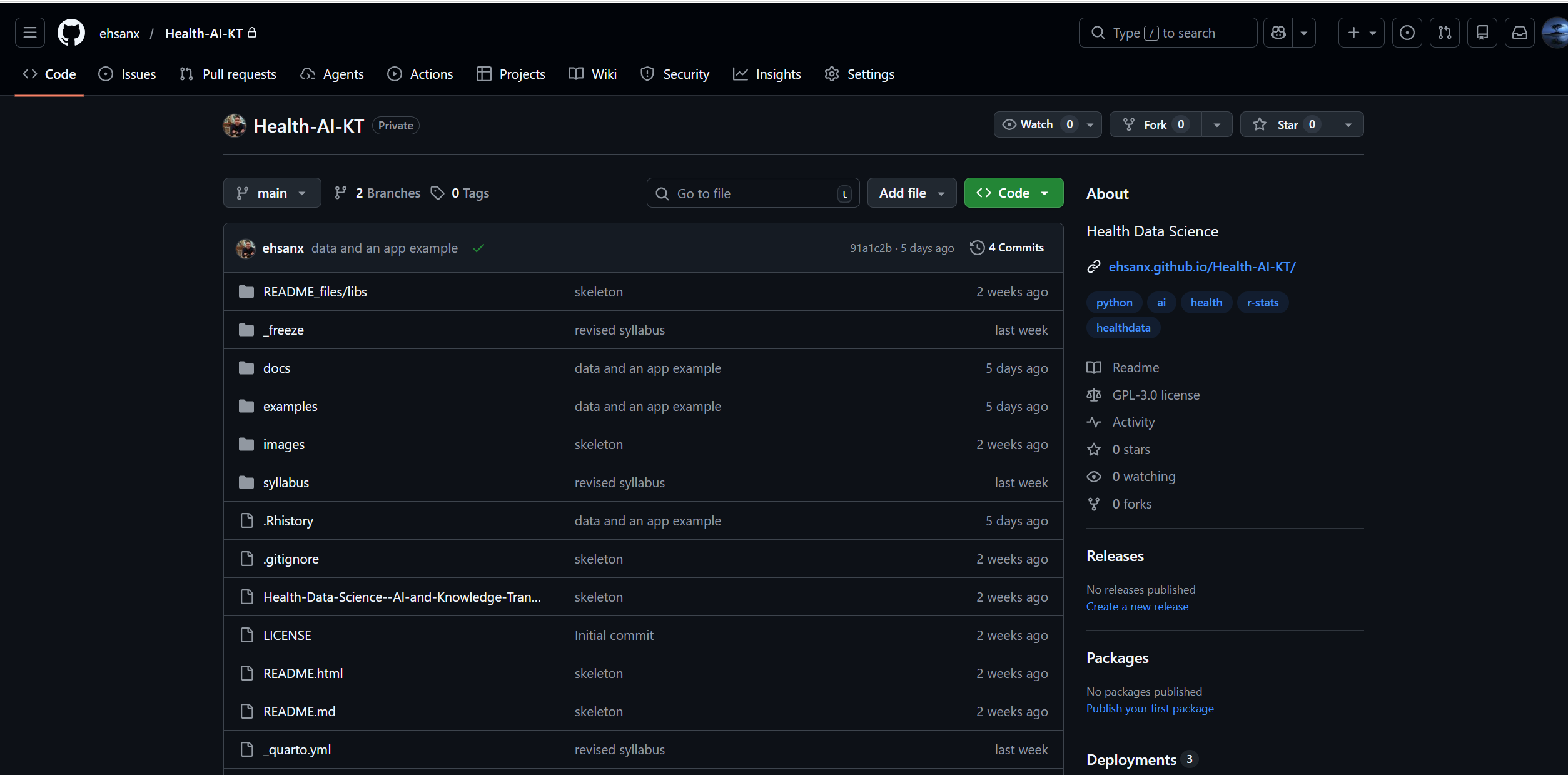
Main github page Click the Code tab

- Why? GitHub has many tabs (Issues, Actions, Settings). The Code tab is your “Reset” button. If you ever get lost in a menu, click this to go back to your files.
Look at the file list
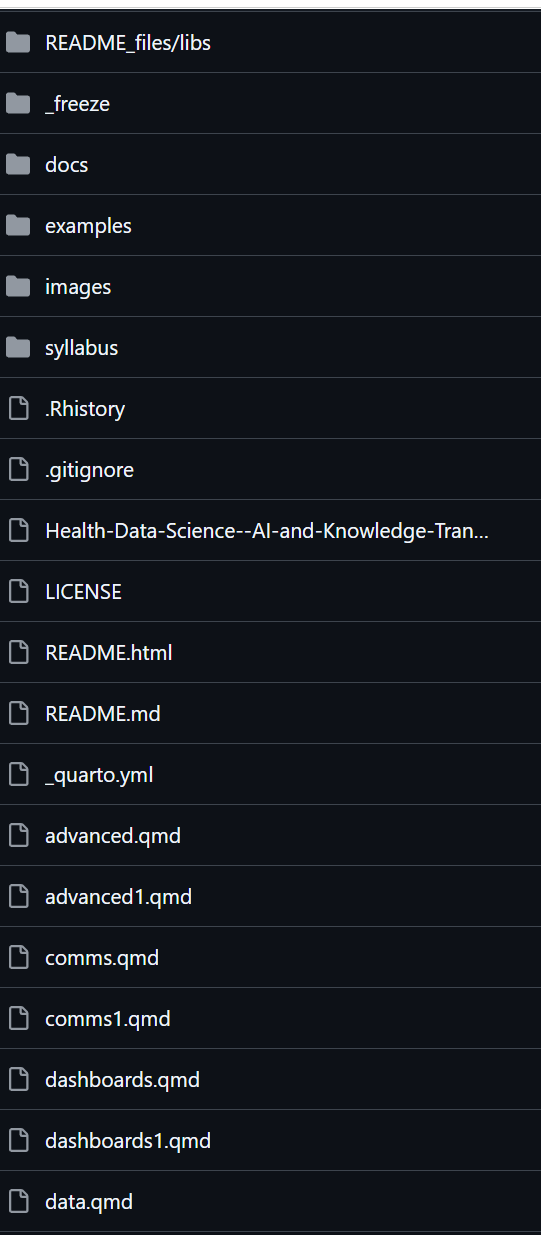
- This shows the current state of the project in your fork.
- Crucial: If a file is listed here, it is safe. If it is not here, it only exists on your temporary “Desk” (Codespace) and is at risk of being lost.
Scroll to read the README
- The
README.mdfile is displayed automatically at the bottom. Think of it as the “Cover Sheet” or “Instruction Manual” for your project.
- The
Task
Find this file:
practice_report.qmdVerification: If you can see practice_report.qmd in this list, it means the file is safely stored in the cloud (The Vault).
If you can see it in your fork, it is safely stored in the cloud.
You should see practice_report.qmd, README.md, and a data/ folder. If you do not see these, stop and ask for help before continuing. You may be in the wrong repository, the wrong branch, or the starter files may not have loaded correctly.