Pull Requests
A Pull Request (PR) is a GitHub feature that says: “I have changes on a branch. Please review them before they go into main.” PRs are how professional teams and researchers collaborate. You will use them for peer review later in this course. This is also the best way to merge your own changes into main: it forces you to see what has changed, so you can check what you are submitting to the main branch — the backbone, or “trunk,” of the tree.
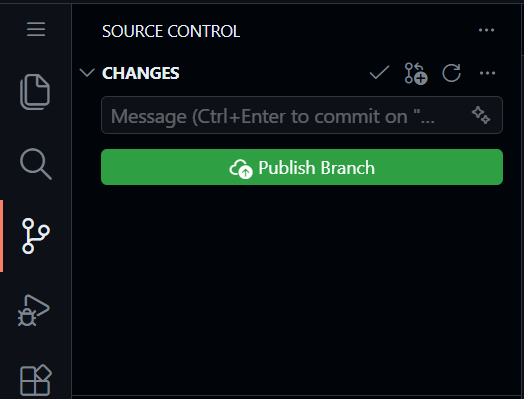
Sync: Click “Sync Changes” to push your branch to GitHub. This can be blue or green or say publish branch or not. Whichever the case, clicking this button will make everything on your computer update to the online github repo.
Commit saves a checkpoint inside your local Codespace. Push or Sync Changes sends that checkpoint back to GitHub so it is visible in the online repository.
PR: Go to your repo on github online and click “Compare & pull request.”

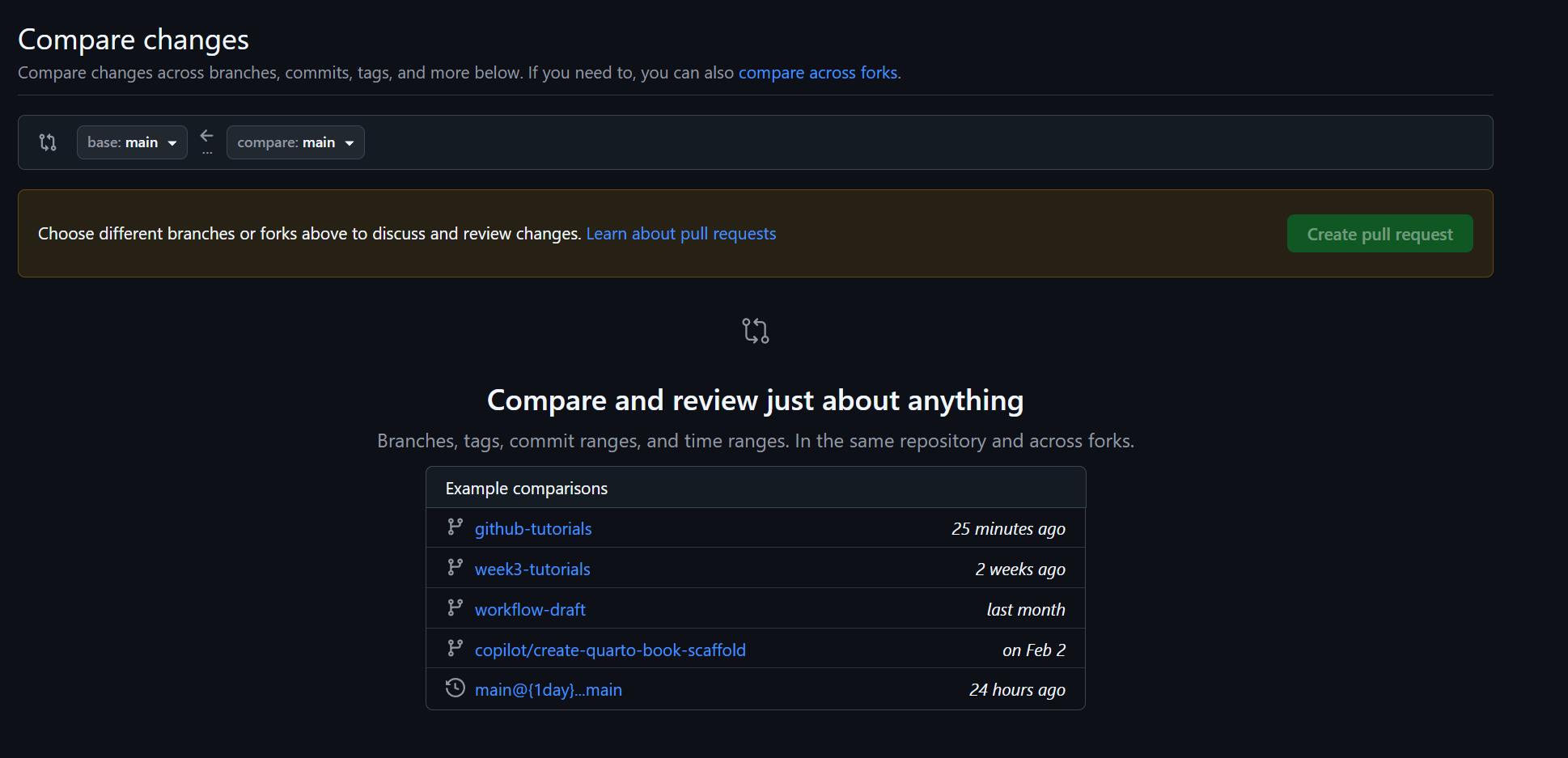
We are then presented with the screen below. Press the big green button “New Pull Request”

Note: GitHub does not always show this screen. Sometimes clicking Compare & pull request takes you straight to the comparison/create screen. If that happens, nothing is wrong — skip ahead to choosing your branches and creating the pull request.
Then you are presented this menu. This shows all the different branches that can be merged into main. Select on the one you want to merge into main.
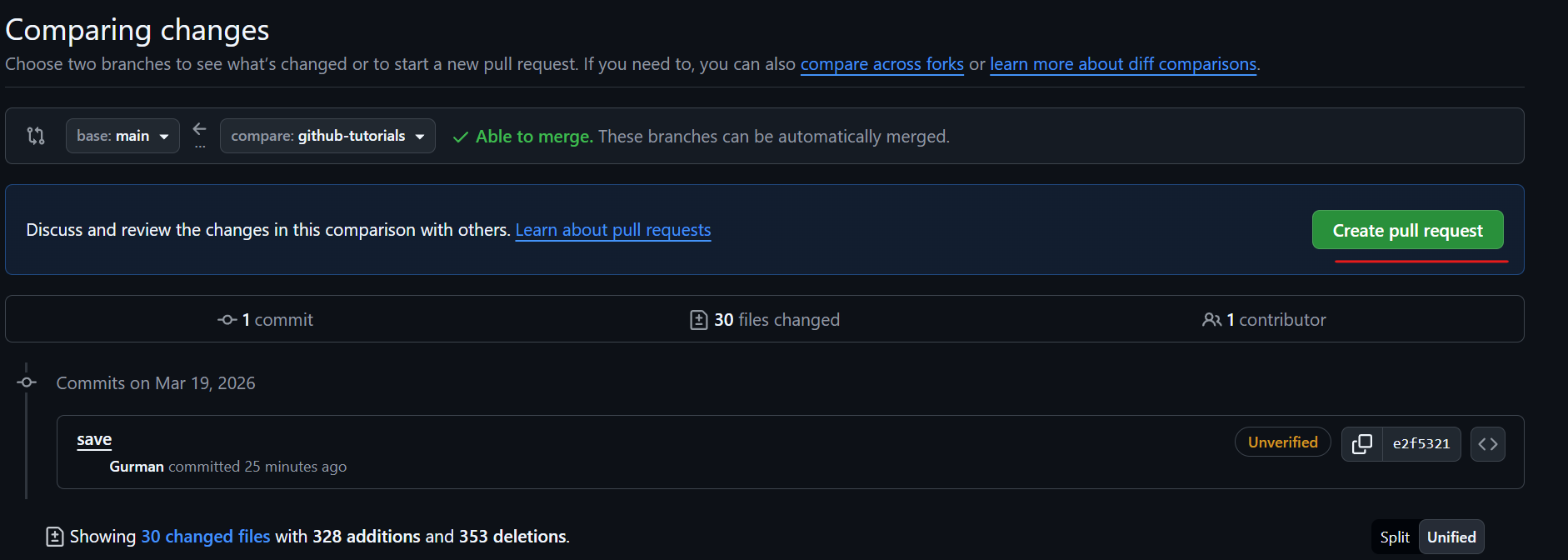
Before creating the Pull Request, check the base repository and base branch carefully. Do not open a PR into the original course repository unless the instructor explicitly asks you to. The base is where your changes will land (it should be
mainin your own repository); the compare (also called head) is the branch holding your changes.Once you select the one, you can make a pull request! Select this.
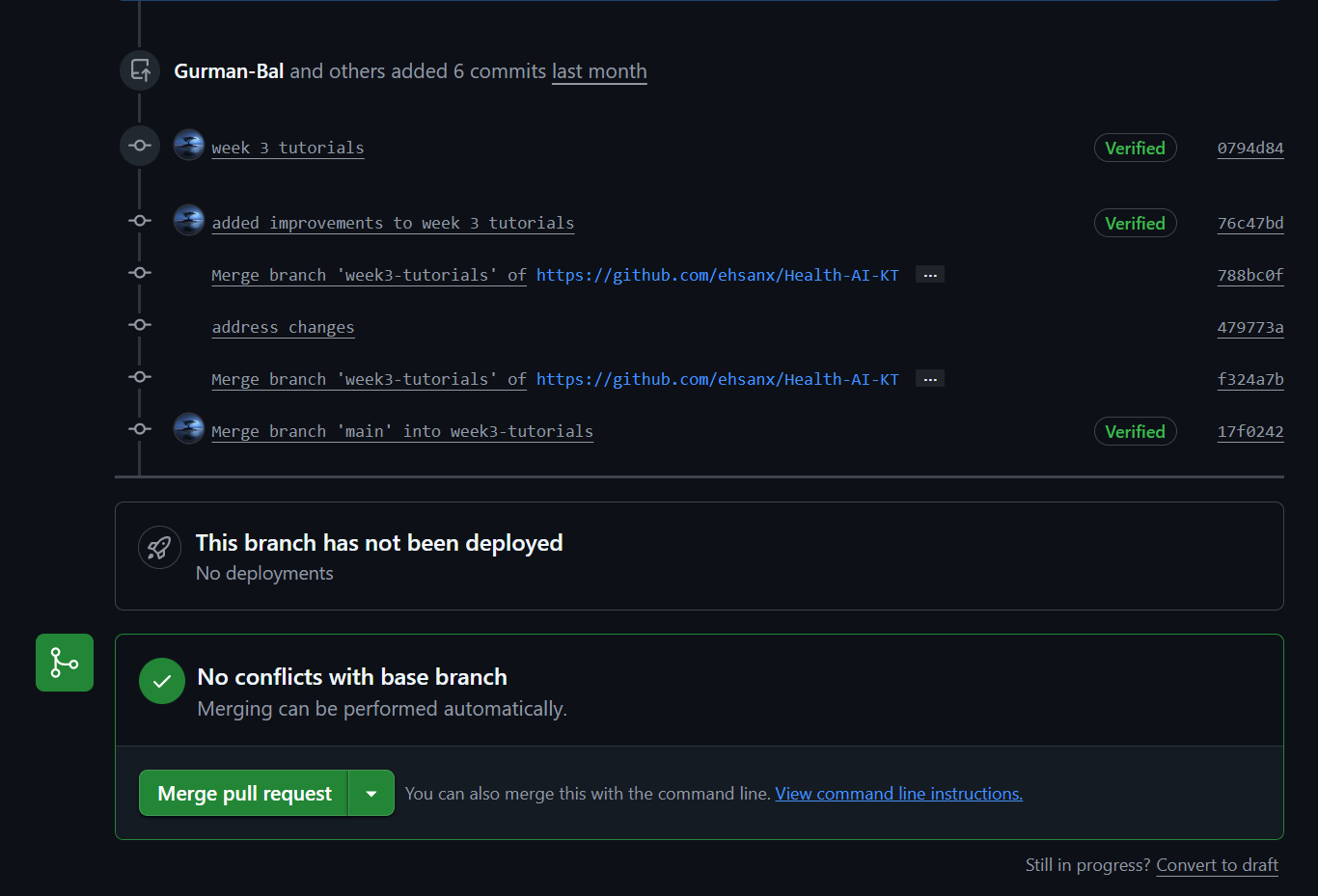
Merge: Review the diff, then click “Merge pull request.” If there are merge conflicts, ask AI the best way to resolve them.
For this week’s practice pull requests, merge your own PR right away — you do not need to wait for a teammate or TA to review it. You will practice reviewing each other’s pull requests later, in Milestone 4.