The Analogy: Public Computer vs Cloud Drive
To understand the workflow, imagine working in a university computer lab.
Repository (Cloud Drive)
Important Distinction: While GitHub is your “Cloud Drive,” it does NOT work like Google Drive.
Google Drive: Auto-saves every keystroke.
GitHub: Works like Email. You can write a draft (save in Codespace), but the cloud never sees it until you hit “Send” (Commit & Push).
Stores your files permanently
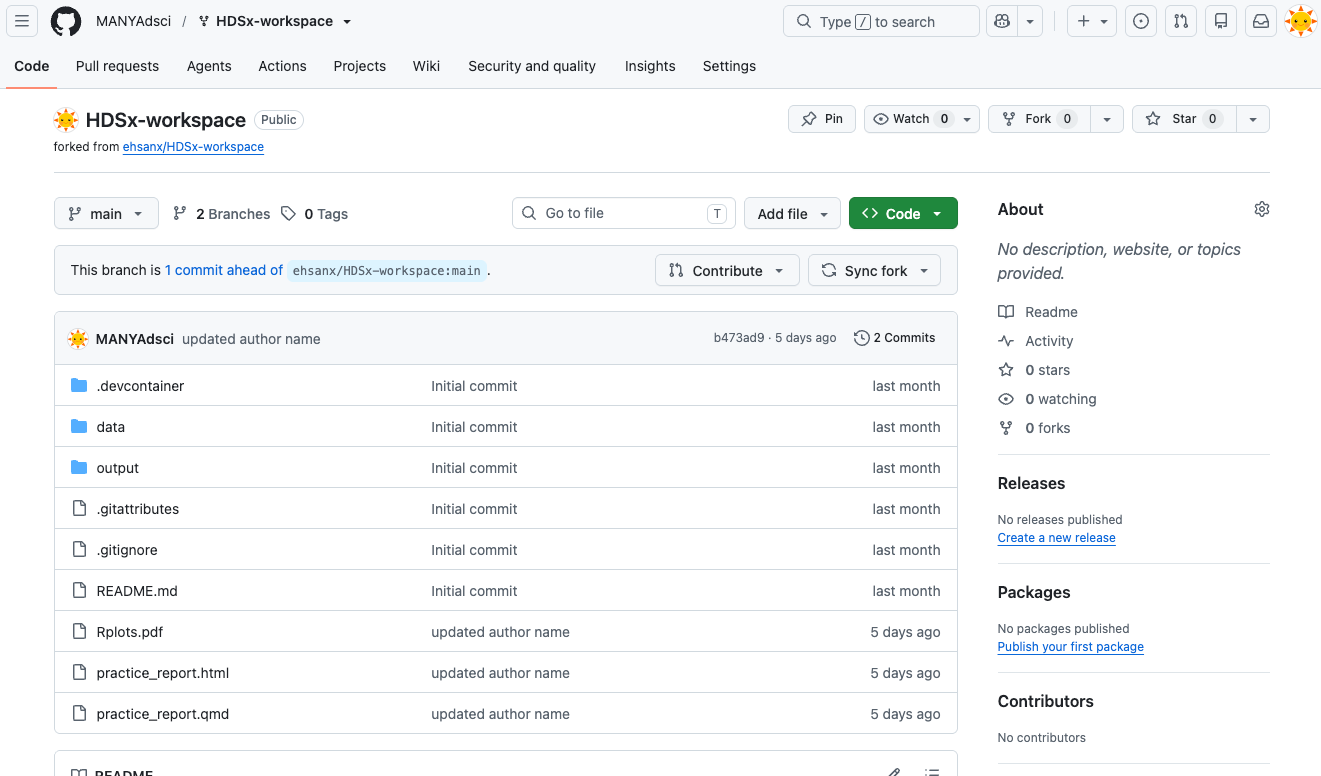
The code will be stored and accessible on GitHub as long as the company exists. Given that it’s owned by a large corporation like Microsoft, it will likely last for a long time. Safe if your computer crashes
This is your master copy
Codespace (Public Computer)
Codespaces is like a library computer:
Temporary machine It is a disposable environment. If it breaks, we just delete it and get a new one.
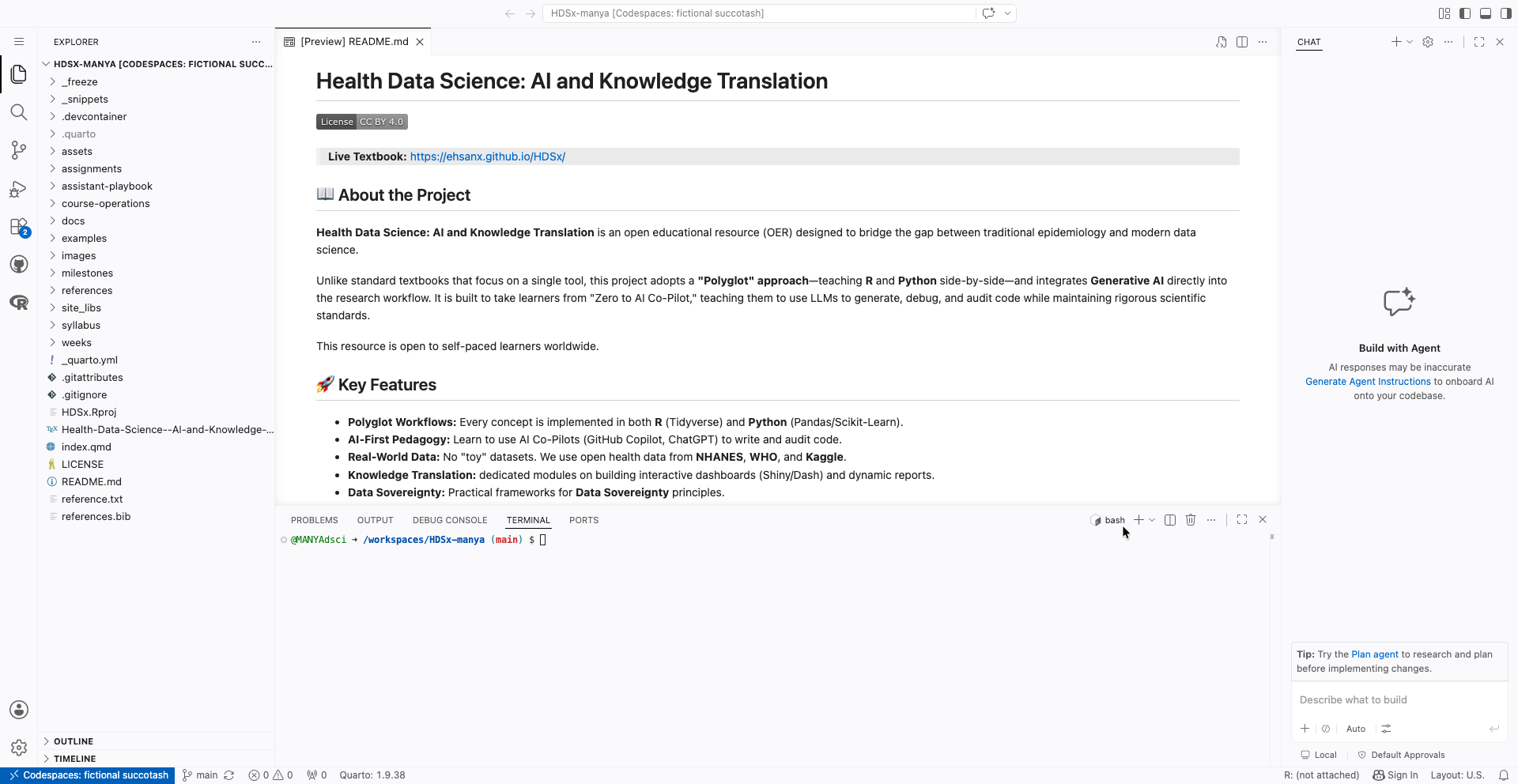
Can be accessed by clicking the <> Codebutton, navigating to the Codespaces tab, and then starting up a Codespace which contains all the file in the Repo.Pre-installed software It comes with R, Python, and Quarto installed, so you don’t have to install anything on your own laptop.
The “Two-Save” Rule (Crucial) Because this is a temporary computer, there are two steps to saving:
- Ctrl+S (Save): This saves the file inside the current Codespace. The change is still there when that Codespace stops and restarts, but it is not yet in your GitHub repository.
- Commit & Sync: This sends your work back to the Repository (Cloud Drive). It protects the work if the Codespace is later deleted.
Warning: Closing the tab does not erase saved changes, but it also does not sync them to GitHub. Reopen the same Codespace to recover unsynced saved work, then commit and sync it as soon as possible.
Check for understanding
Answer:
- Where are your permanent files stored?
- What happens if you press
Ctrl+Sbut never commit?